

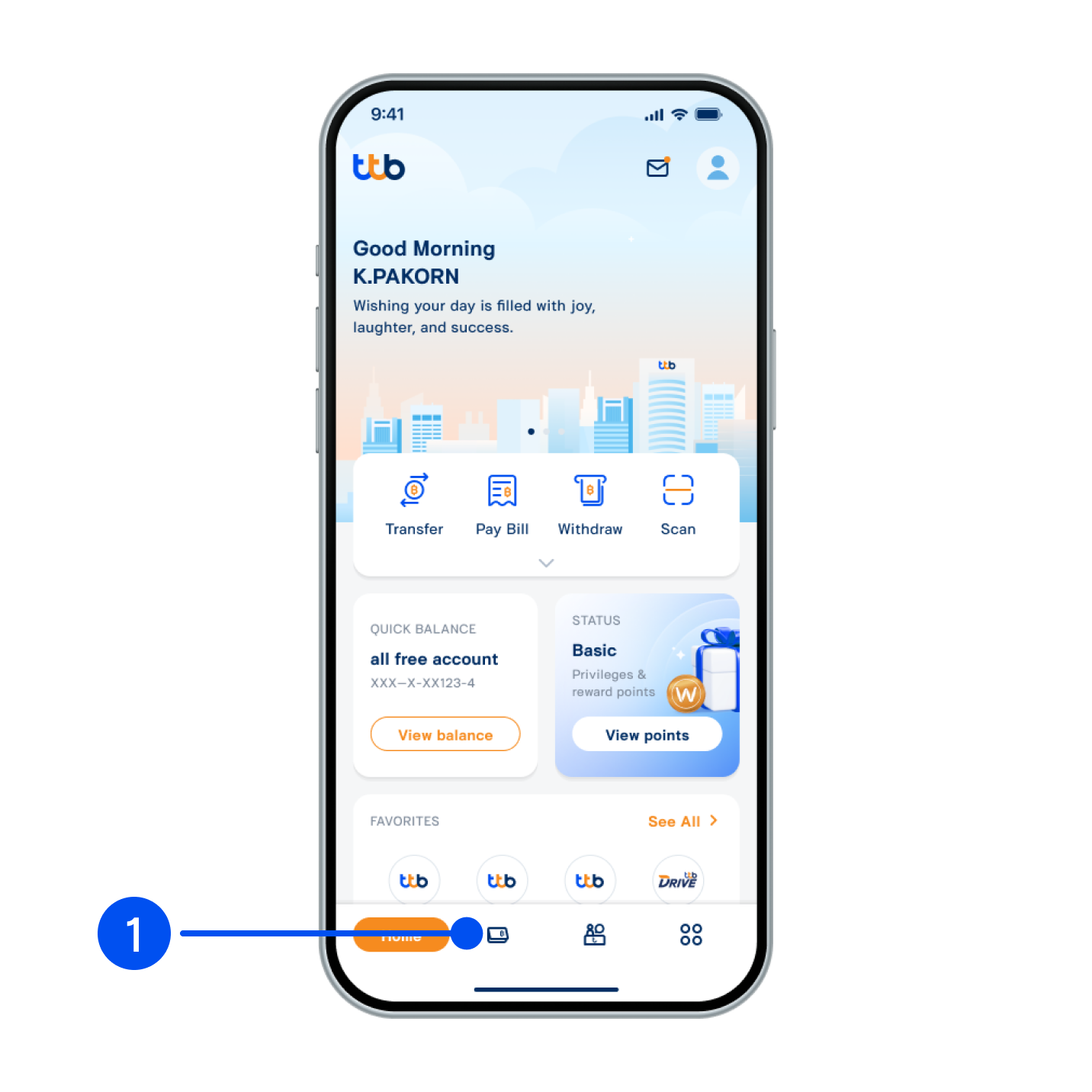
1. Select “Account”, the 2nd menu from the bottom.
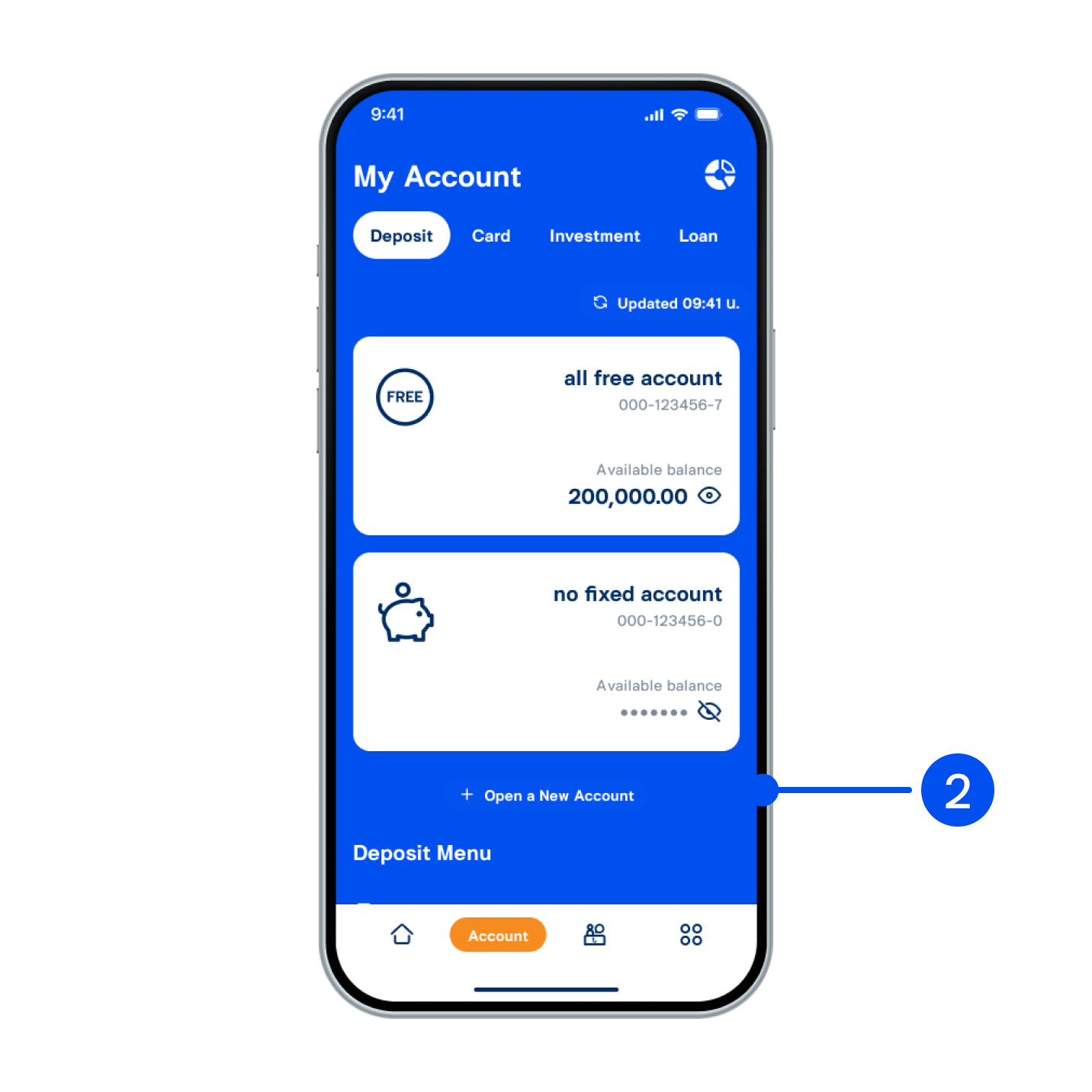
2. Select “+ Open a new account”.
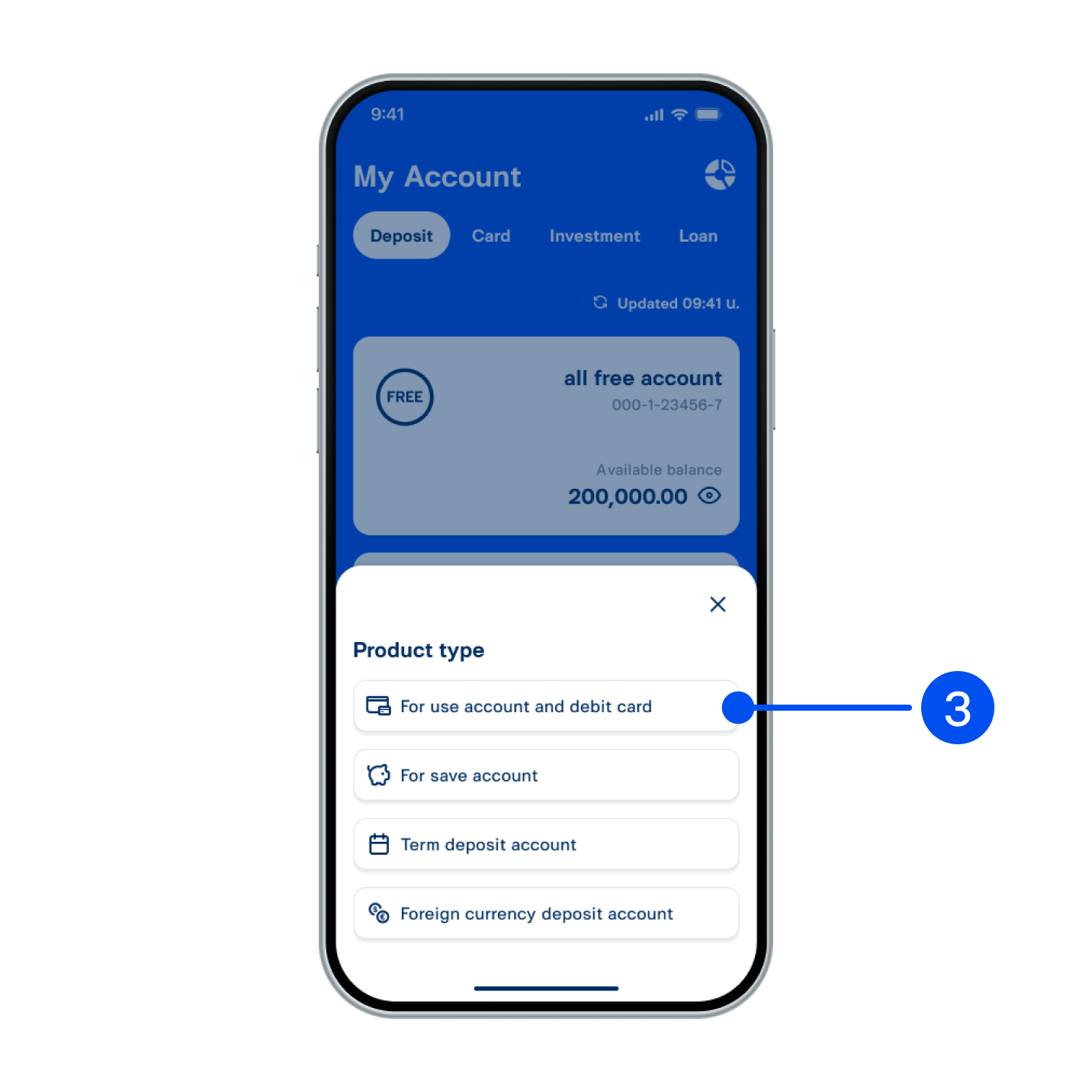
3. Select “For use account and debit card”.
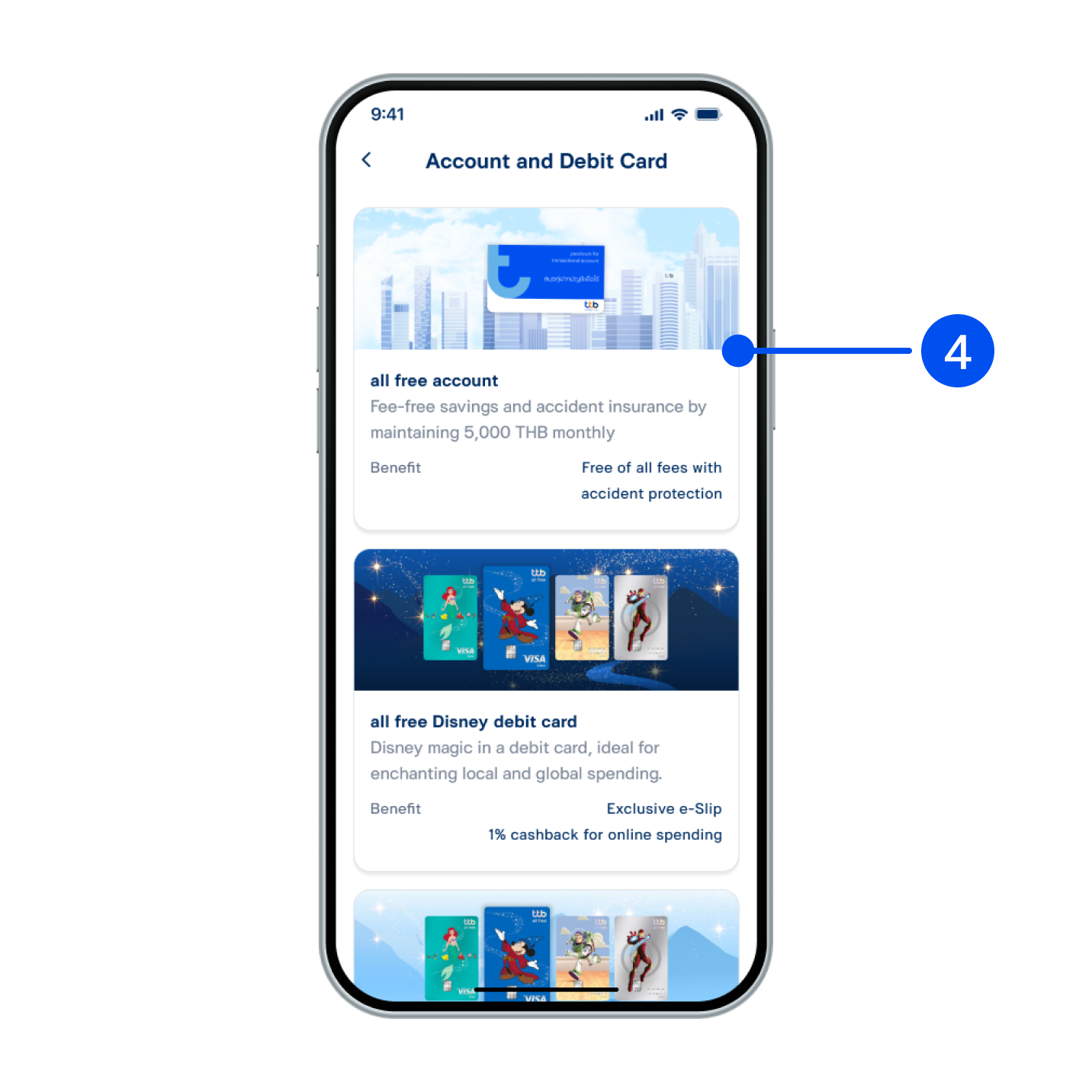
4. Select account type to open.
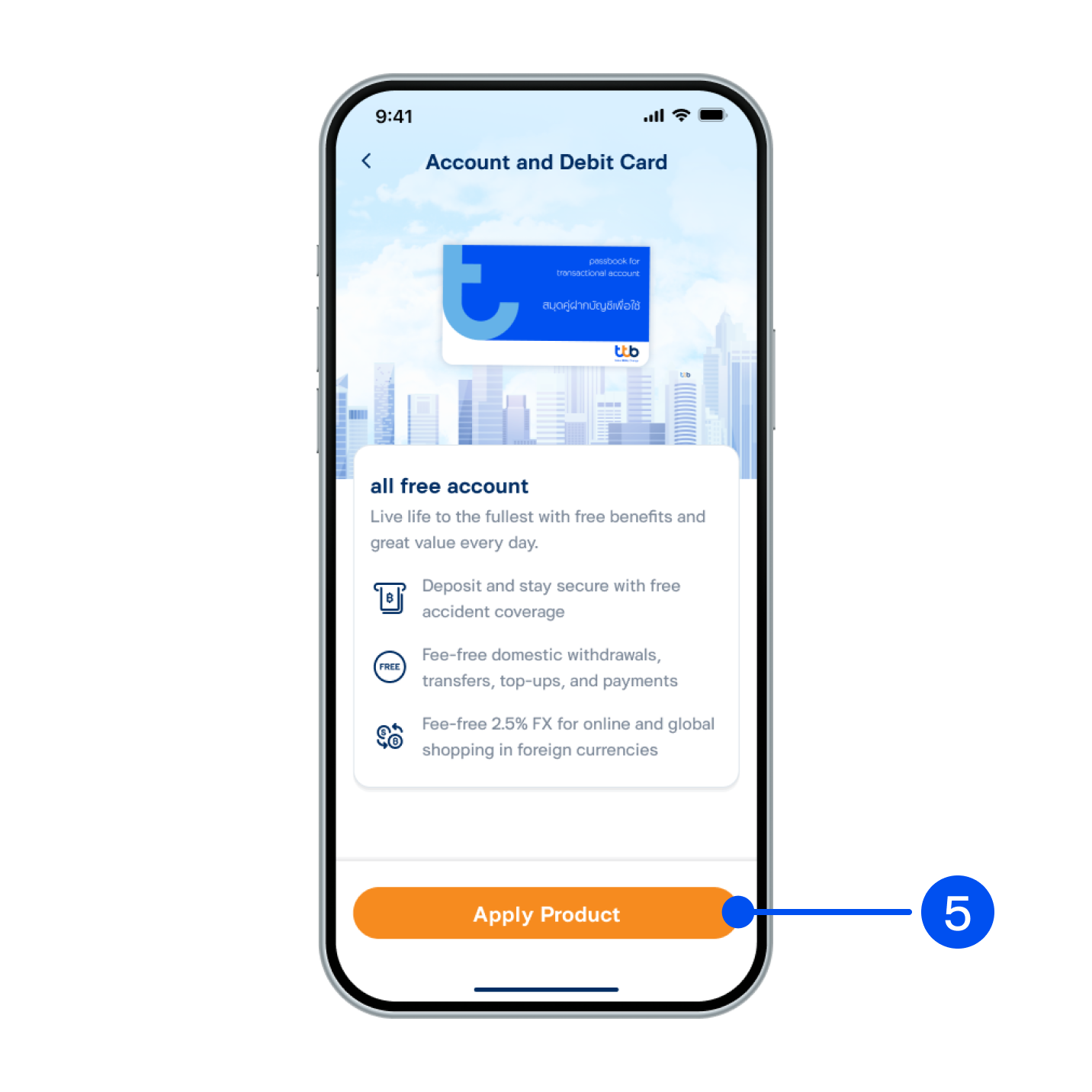
5. Read product details, then select “Apply product”.
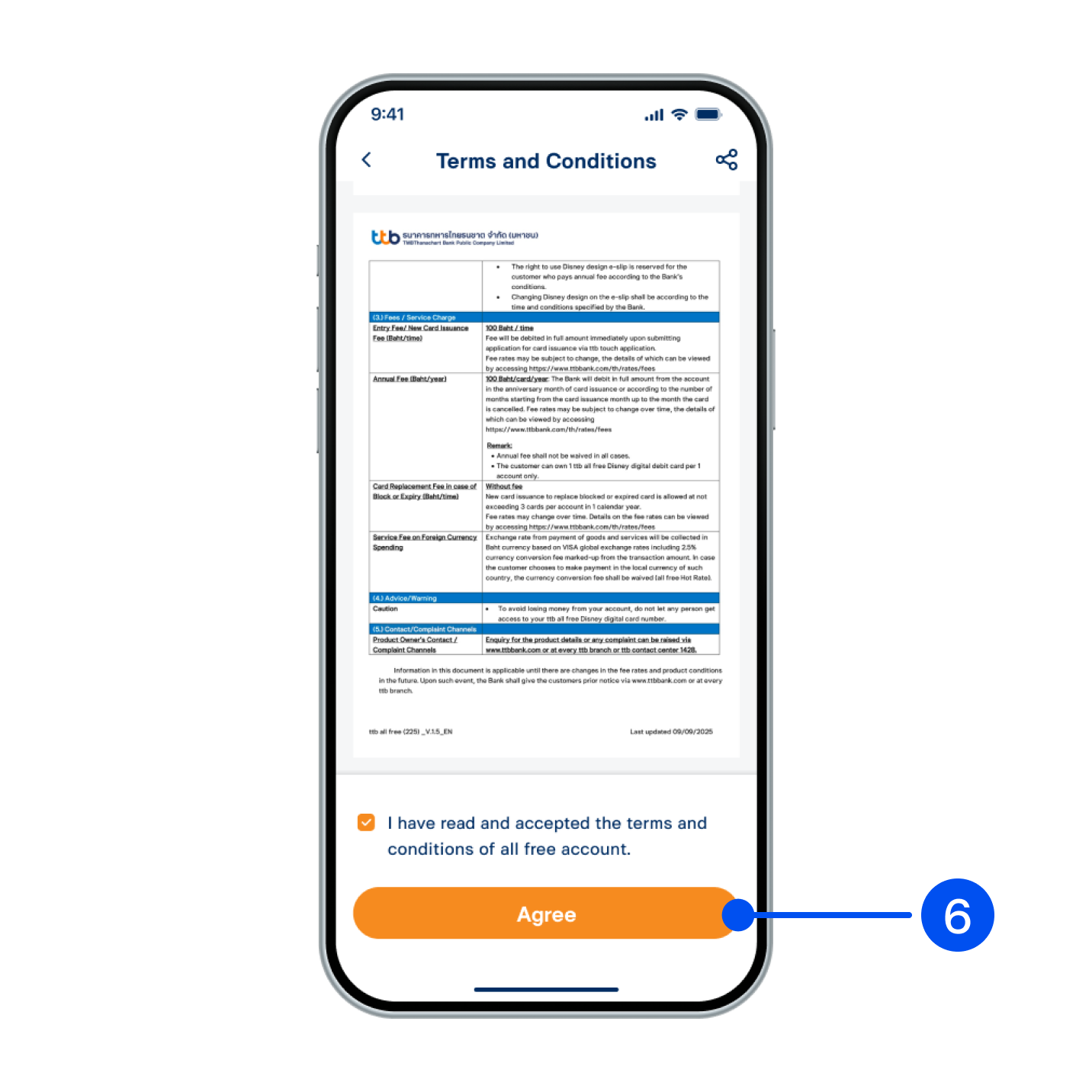
6. Read and accept terms and conditions, then select "Agree".
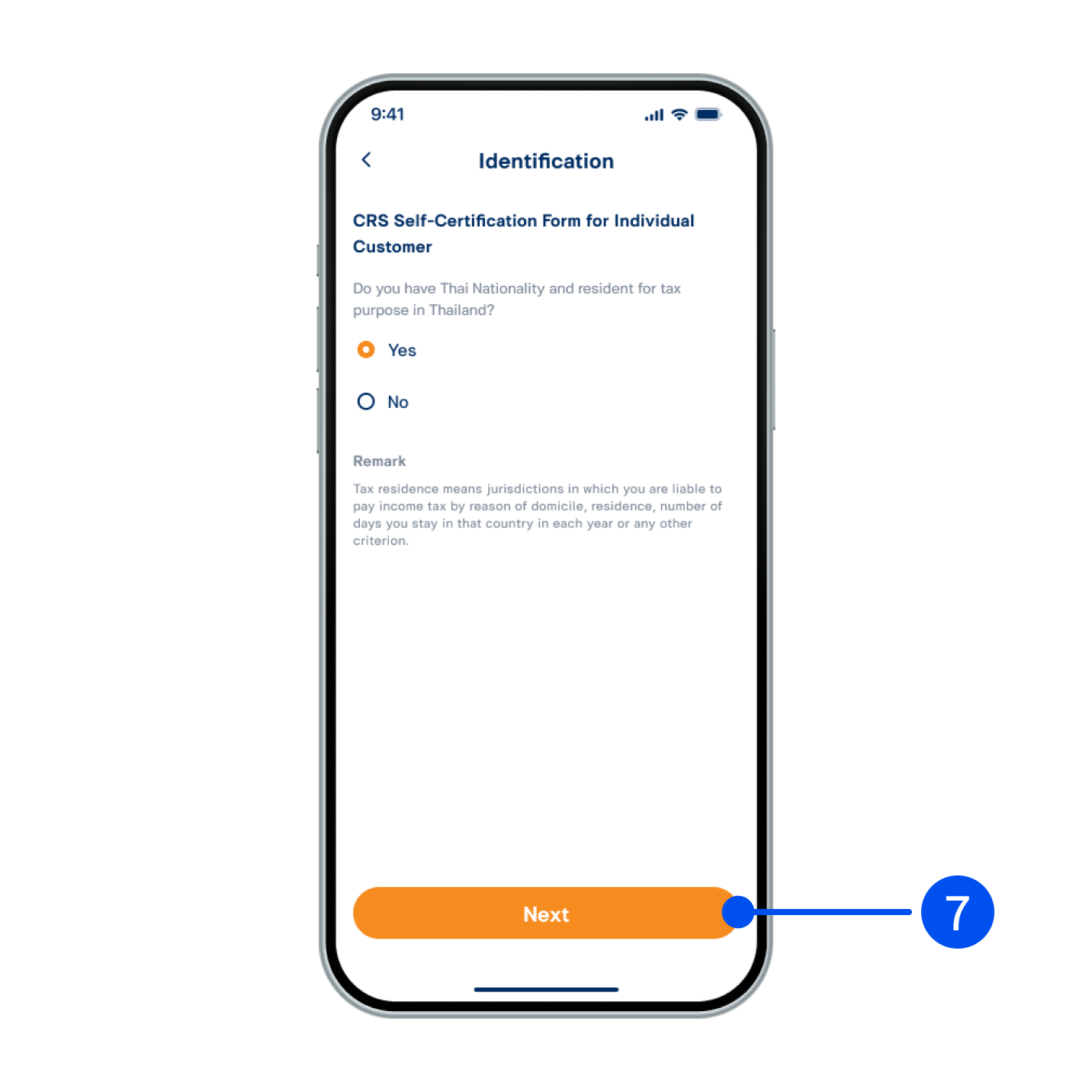
7. Provide an answer for CRS Self-Certification form, then select “Next”.
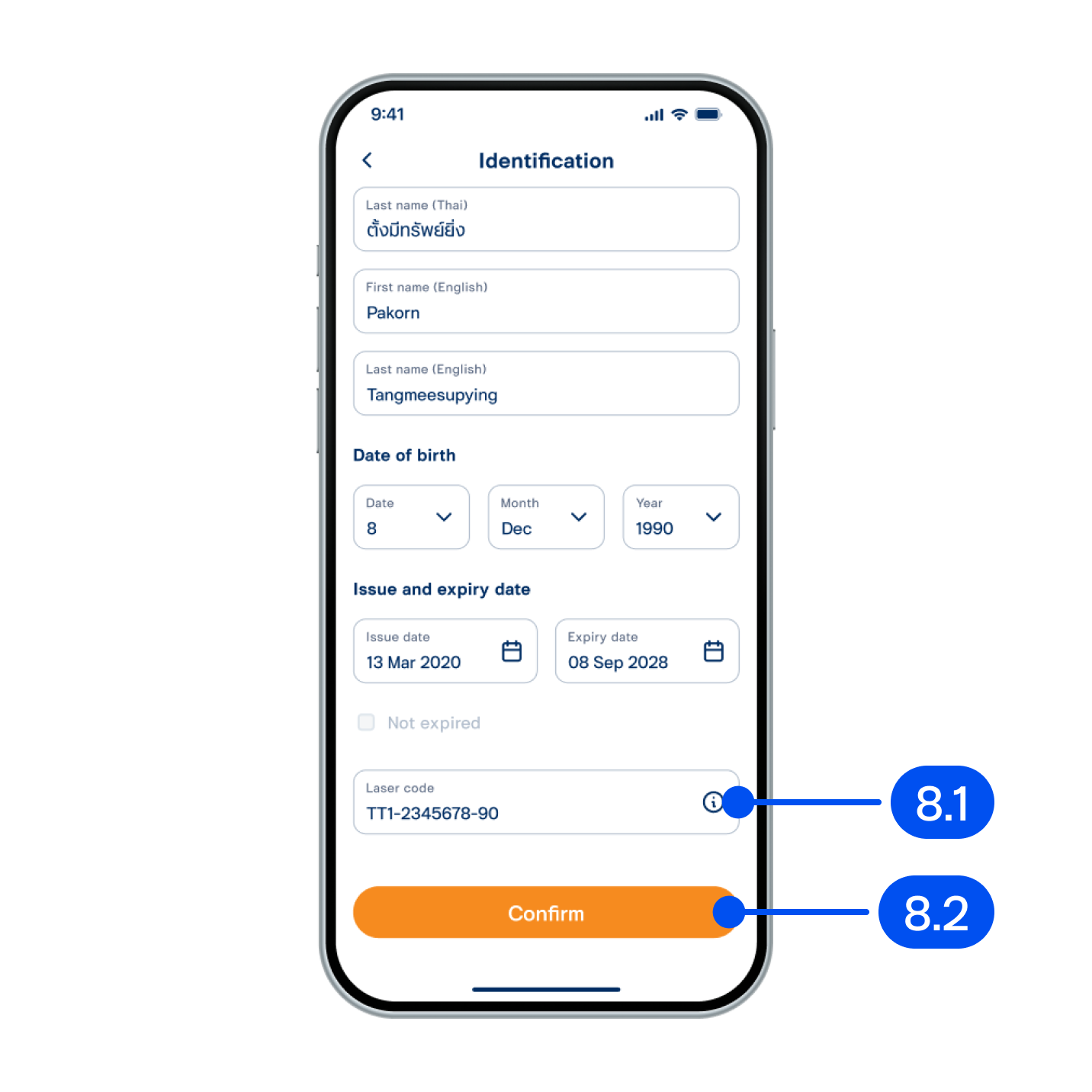
8. From "Identification" page,
8.1) Enter your ID card laser code and recheck your personal information.
8.2) Select "Confirm".
8.1) Enter your ID card laser code and recheck your personal information.
8.2) Select "Confirm".
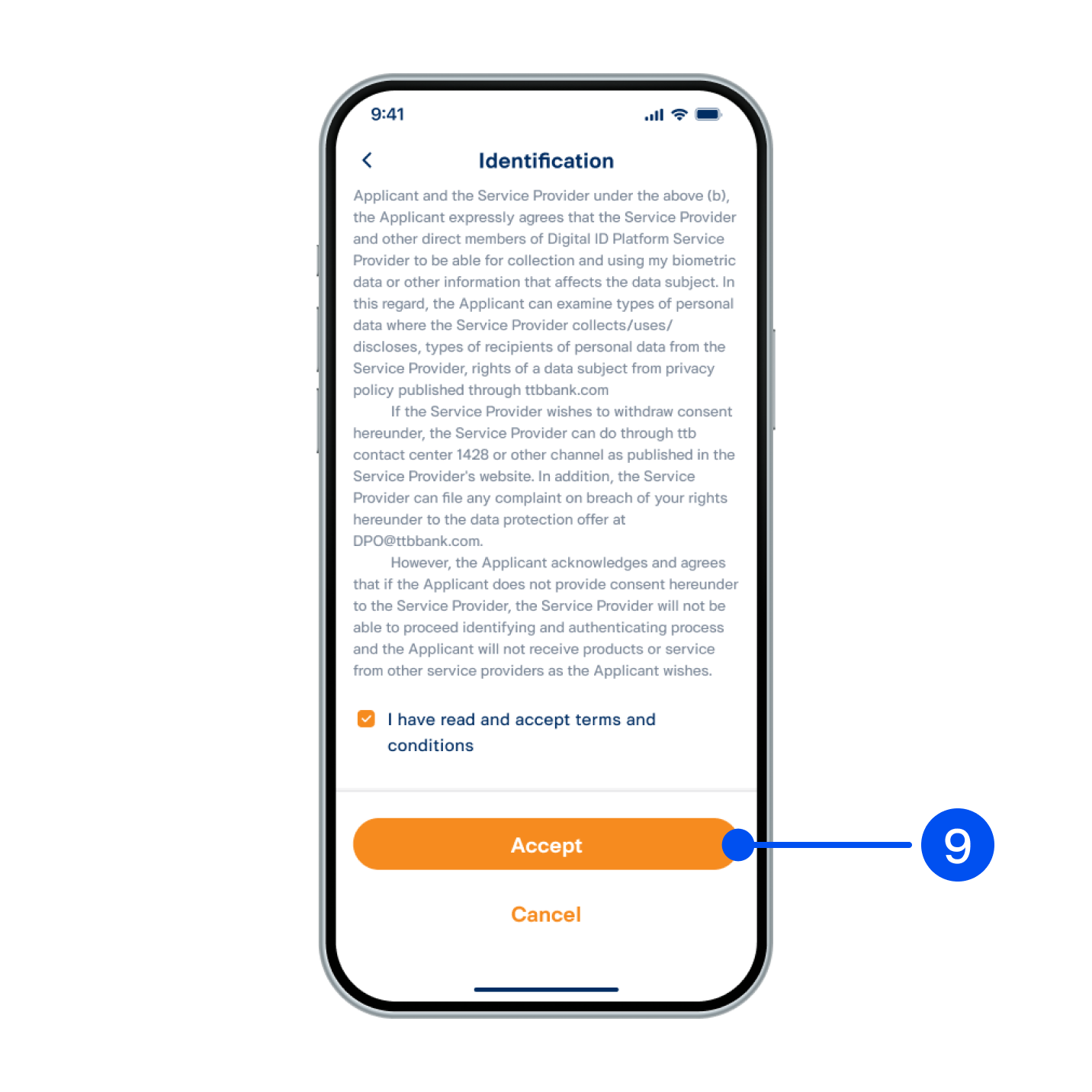
9. Read consent form for the Bank to collect/use/disclose biometric data. Accept terms and conditions, then select "Accept”.
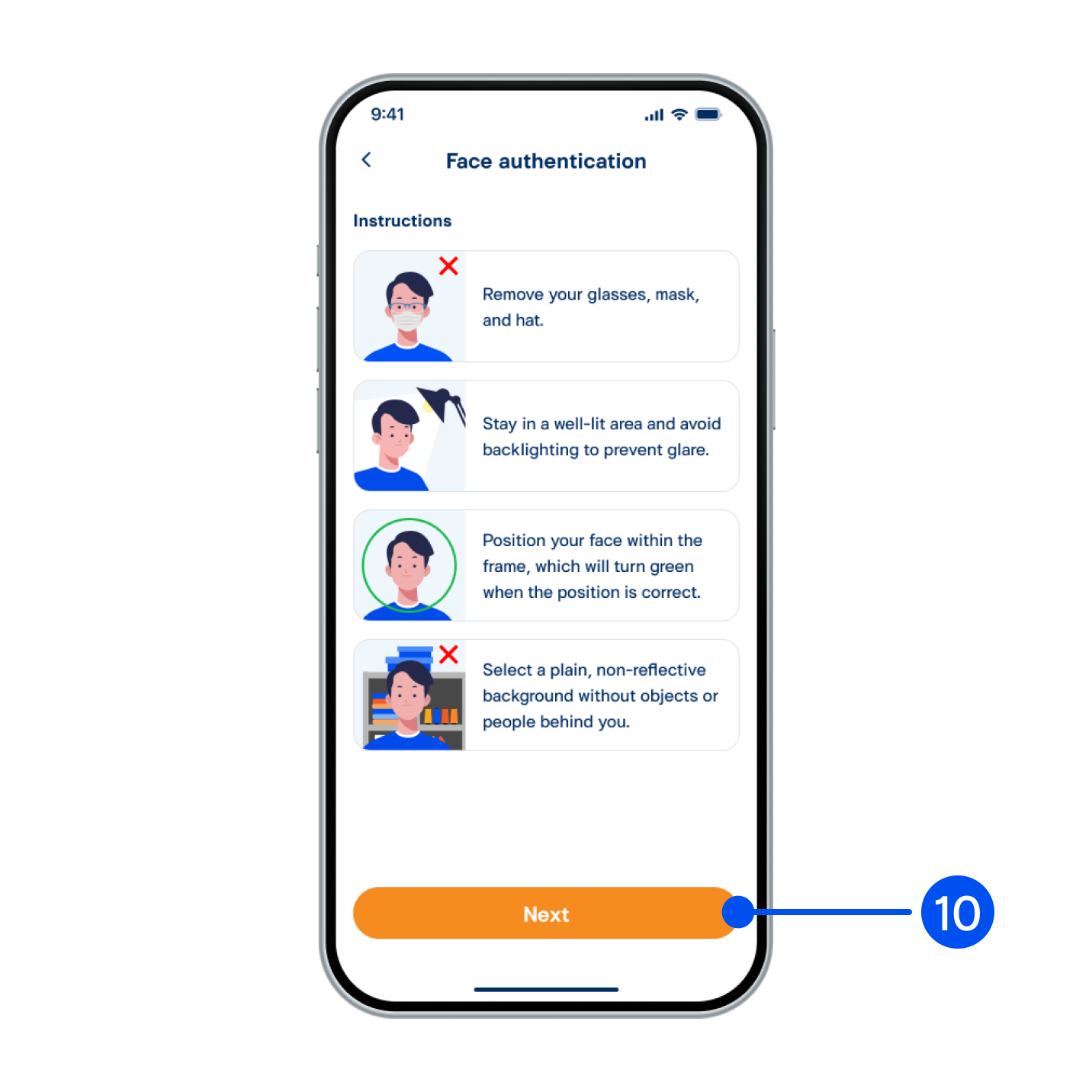
10. Read the face authentication instructions, then select "Next”.
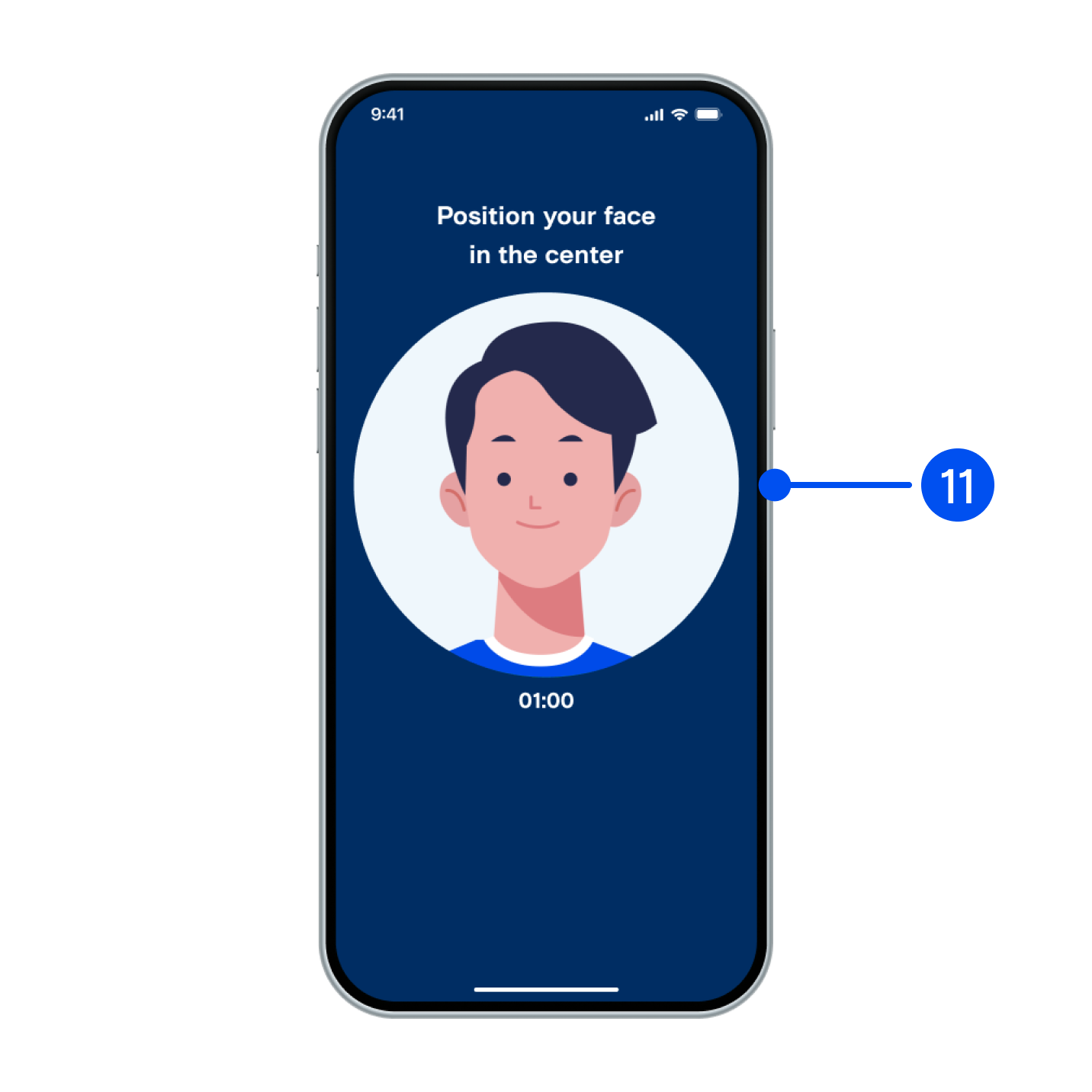
11. Adjust your face within the frame for facial comparison.
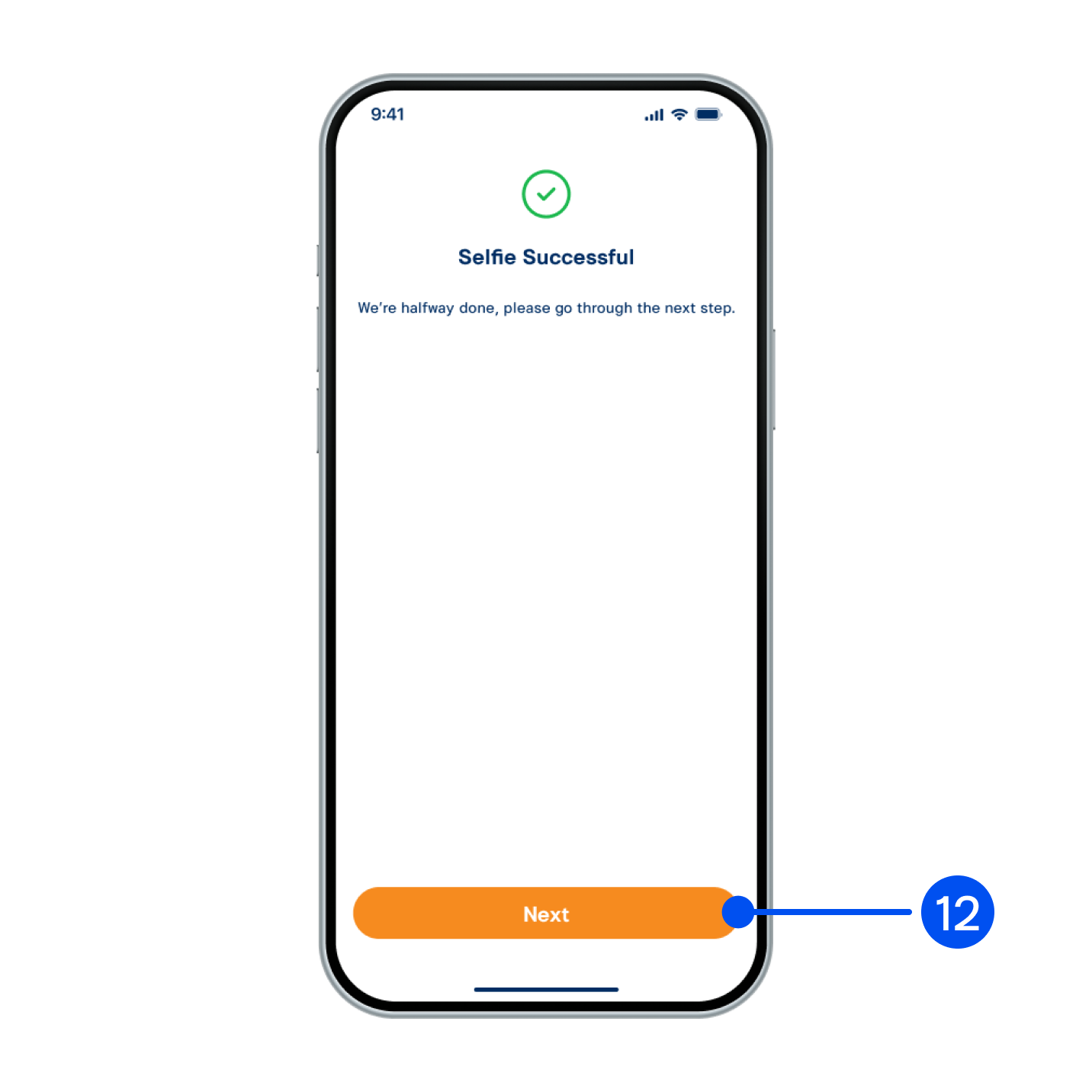
12. Select “Next”.
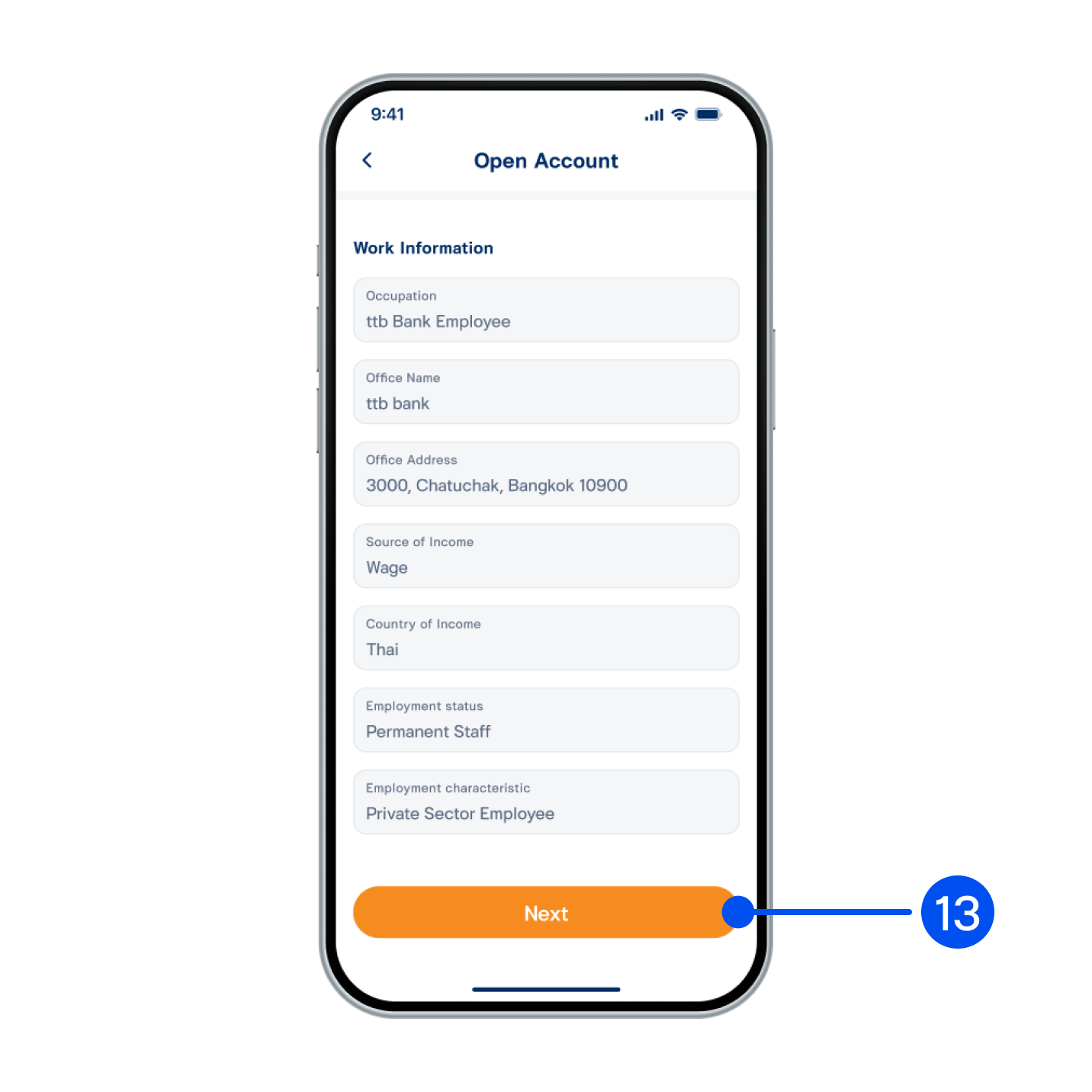
13. Select “Next”.
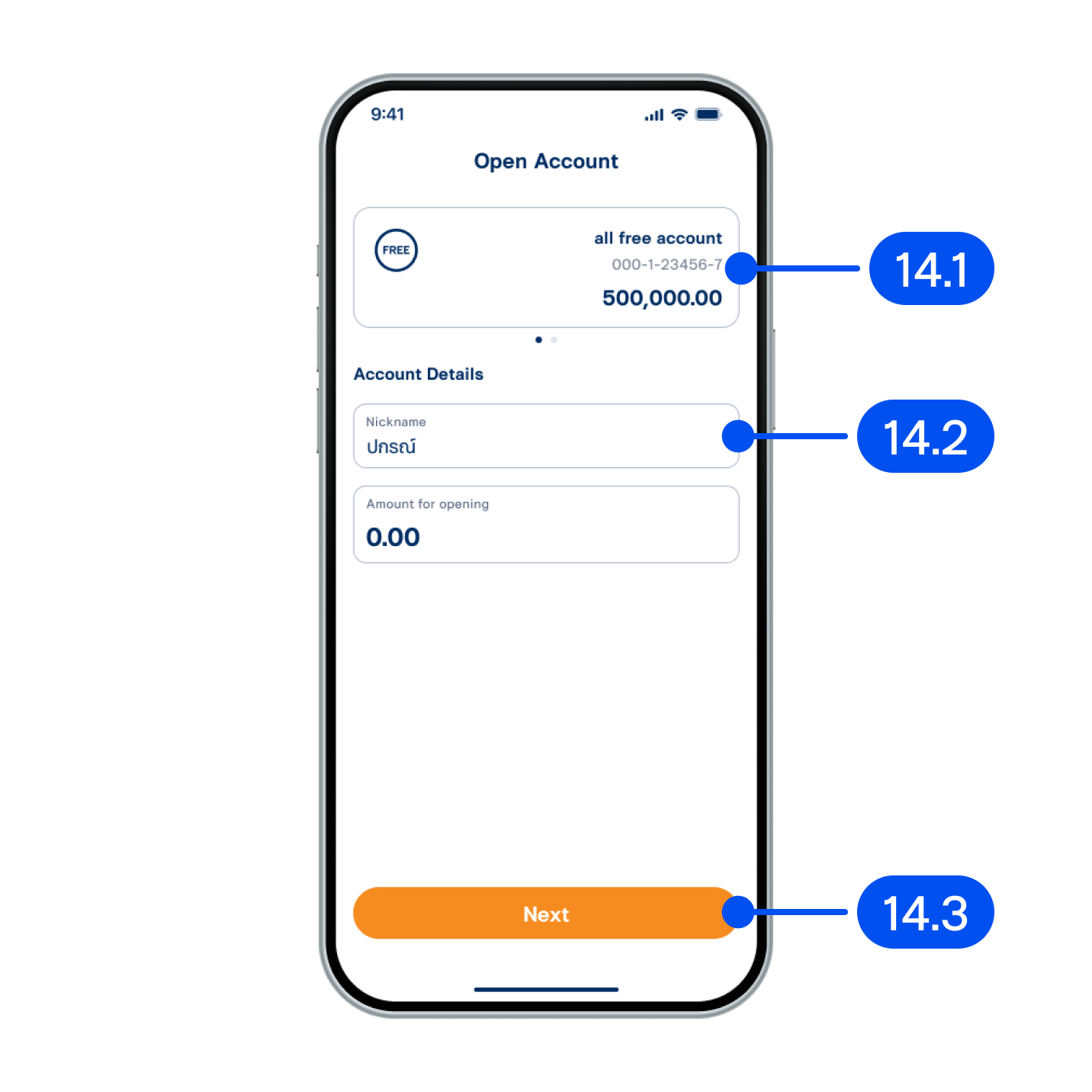
14. Make a deposit following these steps:
14.1) Select the account to debit for your first deposit.
14.2) Enter the deposit amount, minimum 0 THB.
14.3) Select “Next”.
14.1) Select the account to debit for your first deposit.
14.2) Enter the deposit amount, minimum 0 THB.
14.3) Select “Next”.
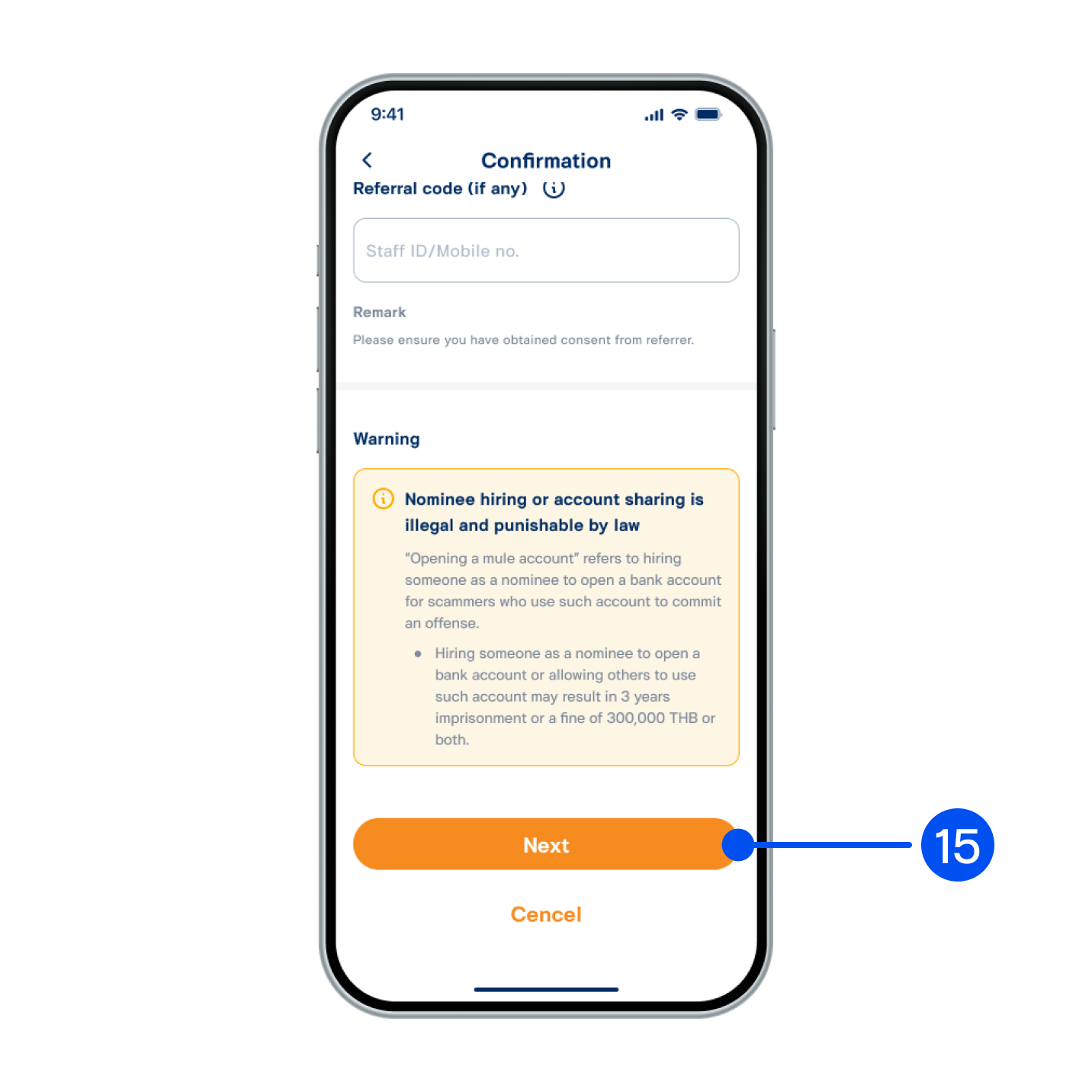
15. Review your account and deposit details, then tap “Next”.
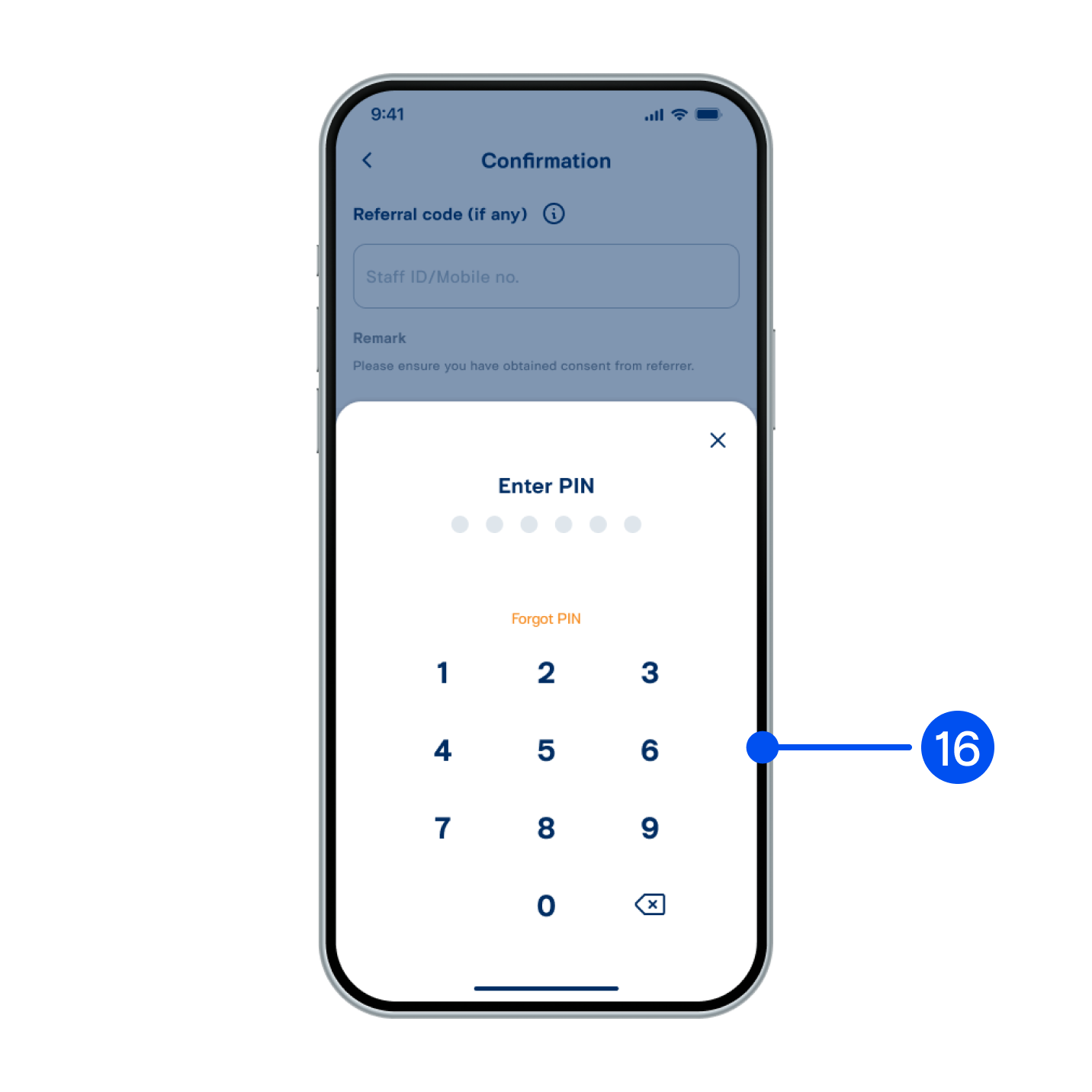
16. Enter PIN to confirm.
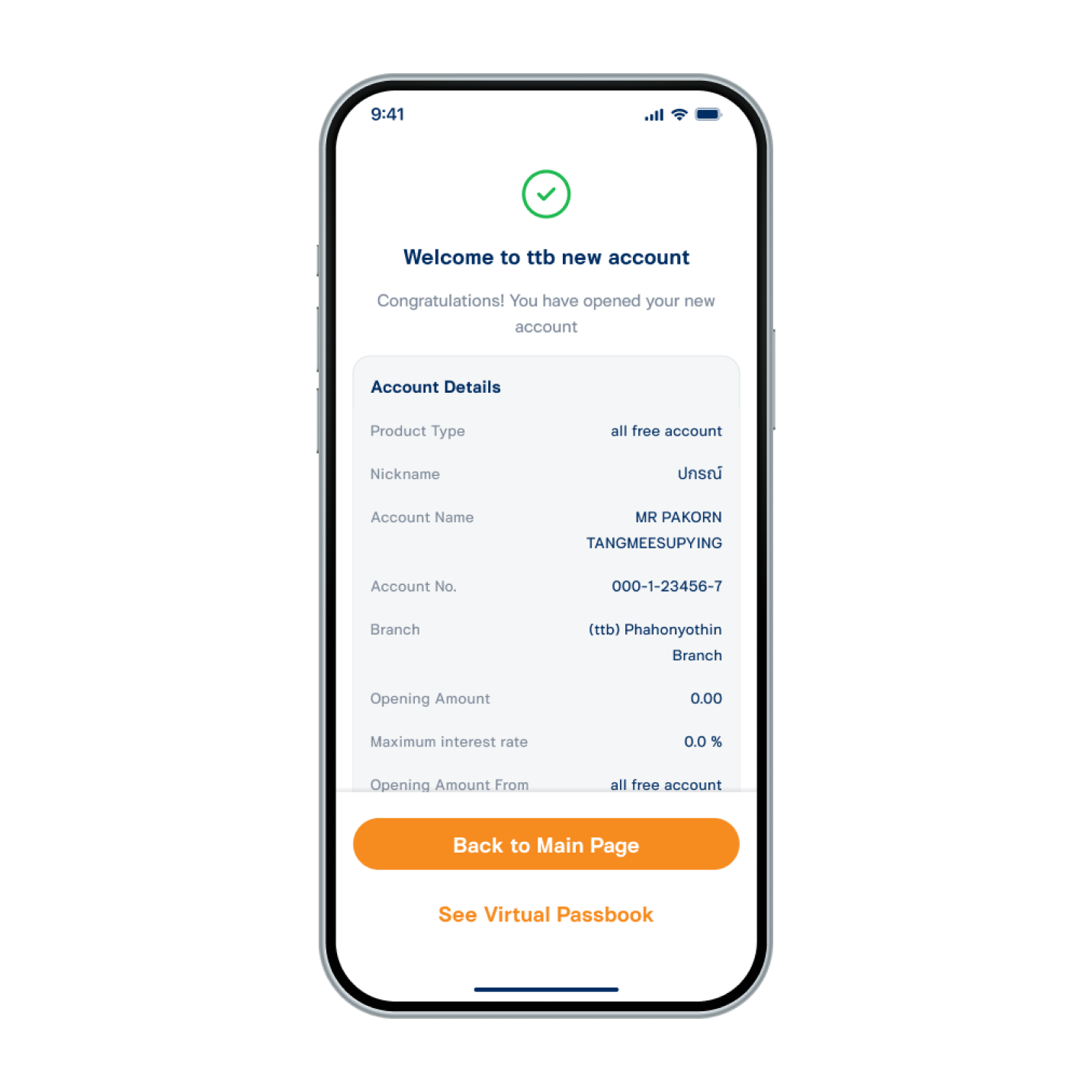
17. Account opened successfully.